For · Engineering teams
Run several coding agents with review gates, not a pile of terminal tabs
Engineering teams can use AI agents to plan changes, triage issues, review boundaries, and check release readiness, using the coding agents they already have. Brainwrite starts Claude, Codex, Cursor, OpenCode, and other agent CLIs, gives each bot its own computer and working folder, and turns risky actions into approval cards you read in context.
Engineering teams · example team
 NovaChief of Staff
- NovaChief of Staff
 DashTriage bot
 AtlasRigel, QA and Release Engineer
 SageAda, Tech Lead
Brief your Chief of Staff. It picks the specialists and runs the team.

 AtlasResearchRoot cause found
 DashOpsTests passing
Your morning: 2 fixes ready for review. Nothing merged without you.


 Dev team3 bots
Where the week goes
The work that eats your time.
Agents in terminal tabs
Several coding agents run in separate terminals with no shared view of what each is doing or waiting on.
Issue triage
New issues and error reports need deduplicating, labelling, and routing before anyone can work on them.
Release checks
Whether a change is safe to ship depends on who remembers to check compatibility, security, and rollback.
Lost context
Each new agent session starts from zero, and the reasoning behind yesterday's decision is gone.
Start here
The first job to hand off.
Issue triage
A weekday routine reads new GitHub or Linear issues and Sentry errors, groups duplicates, and proposes labels, severity, and an owner. Engineers confirm before anything changes.

Every four hours, read new GitHub issues in our app repository. Mark likely duplicates, draft a request for steps to reproduce when they are missing, and suggest a label and owner. Ask me before changing anything.
Your Chief of Staff put a team on it
 Nova· Chief of Staff
- Dash· Triage bot
- Atlas· Rigel, QA and Release Engineer
- 9 new issues since the last run
- Likely duplicates: #1204 and #1211 match #1188 (same stack trace, same version)
- Missing details: 3 reports lack a version; reply drafted, waiting for your approval
- Proposed: #1207 bug, priority high, owner Mei (payments area)
DoneLabels, assignments, and comments posted to the tracker waits for you. Nothing was sent.
What the team takes on
Jobs your AI team does every week.
Implementation plans
A tech lead bot inspects the existing system and turns a product request into an owned, sequenced plan.

Boundary review
Backend and frontend bots check interface, security, and compatibility boundaries before a change is called done.

Release readiness
A QA and release bot gathers evidence and finishes with a release and rollback decision for a person to make.

Event-triggered work
Send a webhook to Brainwrite's local receiver to start a bot, for example on a new error. Expose the receiver only through a narrow tunnel.
Weekly engineering summary
Draft what merged, what is blocked, and what changed in error rates from the repository and tracker.
Why a team
Why this works better than a chatbot.
The agents you already use
Brainwrite runs Claude, Codex, Cursor, OpenCode, Grok, and other CLIs under your logins. Pick a model per bot and per thread, including local models.
A computer per bot
Choose none, a local VM through Docker or Podman, a hosted cloud computer, or your own Linux VPS over SSH. Using this Mac is a separate opt-in.
Secrets kept out of prompts
The bot names a secret; Brainwrite inserts the value only when sending to one https site, never follows redirects, and scrubs responses.
Inspector and cost per thread
See every tool call in the Inspector and the token use and cost of each thread, split into cached input, uncached input, and output.



See it in the app
What it looks like in Brainwrite.
A real screenshot from a demo workspace.
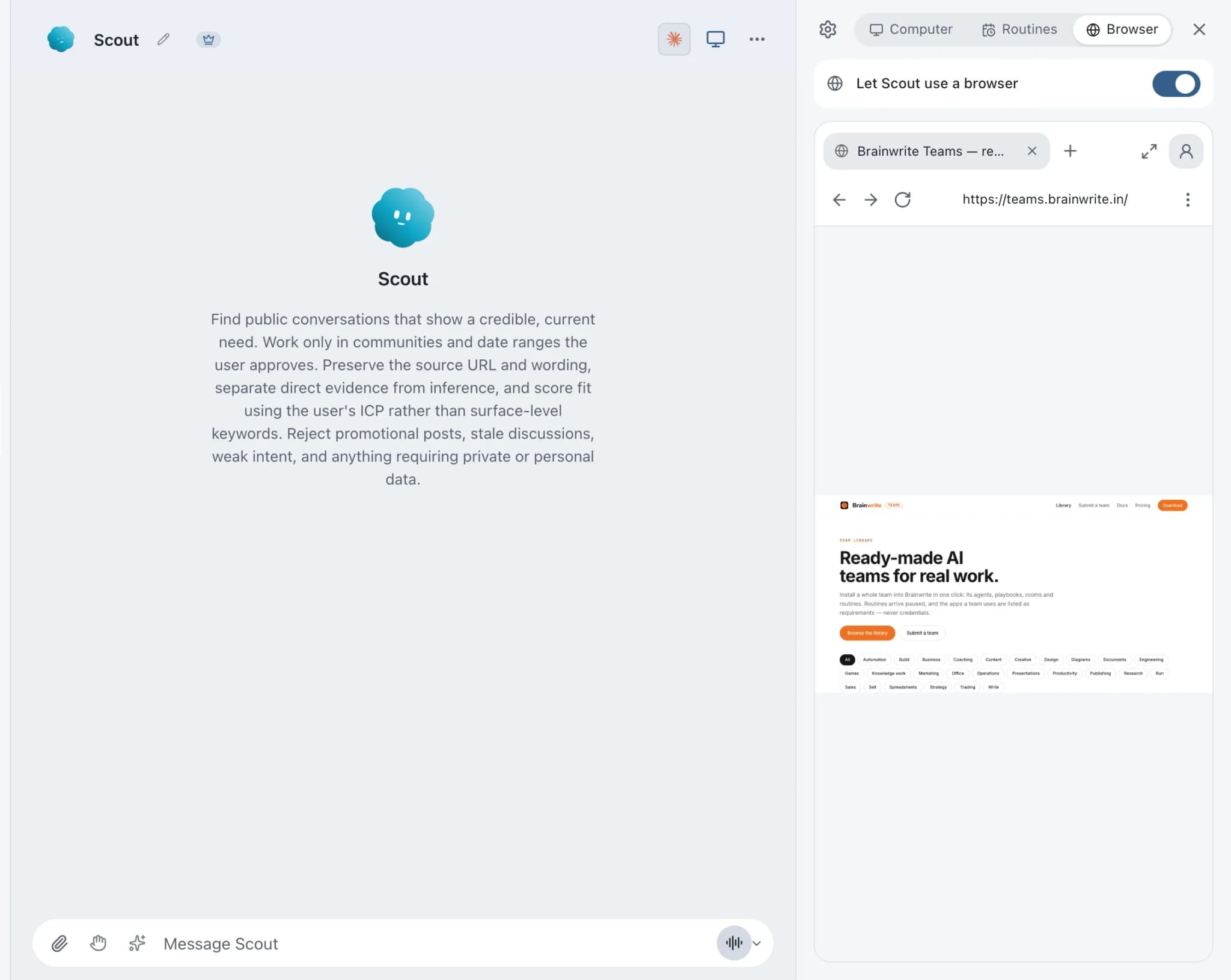
Start faster
Ready-made teams to start from.
Your tools
Apps your team works in.

GitHub
Triage GitHub issues, review pull requests, read failing workflow logs, and draft release notes. Merges wait for you.

GitLab
Review GitLab merge requests, triage issues, read failing pipeline jobs, and keep merges behind your approval.

Linear
File clean Linear issues from bug reports, catch duplicates, review the current cycle, and draft project updates.

Jira
Search Jira with JQL, file and transition issues, fill sprints, and get a plain summary of what blocks a release.

Sentry
Triage new Sentry errors, read events and tags, check release health, and resolve or assign issues.
FAQ
Questions about Brainwrite for engineering teams
How can engineering teams use AI agents?
Use them for planning, triage, boundary review, and release checks, with people keeping merge and release decisions. Brainwrite runs your existing coding agents as named bots with roles, memory, working folders, and their own computers. Risky actions become approval cards, and routines handle recurring work like daily issue triage.
How is this different from running Claude Code or Codex directly?
Brainwrite runs those same CLIs under your existing logins and adds structure around them: named bots with roles and memory, up to three threads per bot, a Chief of Staff that delegates, approval cards, routines, isolated computers, and per-thread cost. It does not replace what each CLI can do.
Does our code get sent to Brainwrite?
No. Brainwrite does not proxy your messages through its own model account. Code a bot reads goes to the model provider you chose for that bot, under that provider's terms. Chats and agent state stay on your machine. For sensitive repositories, use a local model through OpenCode, Ollama, or LM Studio.
Can bots run in an isolated environment?
Yes. Give a bot a local VM through Docker or Podman Desktop, a hosted cloud computer, or your own Linux VPS over SSH. Each has a built-in browser tab you can watch and take over. Letting a bot use this Mac directly is a separate opt-in with its own approval boundary.
Related
Other teams.

Operations teams
Scheduled reports, status chasing, record cleanup, and onboarding checklists, each run logged with a receipt.

Support teams
Reply drafts for repeat tickets, tagging and routing, thread summaries, and help centre updates, with agents approving sends.

Founders
A Chief of Staff bot that delegates your briefs, follow-ups, meeting prep, and competitor watch to specialist bots.

Give your first job to Brainwrite.
Download the app, connect the AI you already pay for, and tell your Chief of Staff what needs doing.
macOS today. Windows and Linux are coming soon.