Use case · Engineering
Know which pull requests are ready before standup
To check release readiness with AI agents, install the Ship Software Safely team in Brainwrite and connect GitHub. Every weeknight at 21:00, Rigel reviews pull requests opened or updated against your default branch, records check status, review status, size, and age, and flags what looks ready, what is stalled, and what has failing checks. It never merges or approves.


Turn on the nightly release readiness sweep for our web app repository. In the morning, tell me which pull requests can go in Thursday's release and which are blocking it.
Your Chief of Staff put a team on it
 Atlas· Rigel, QA and Release Engineer
 Sage· Ada, Tech Lead
 Dash· Lin and Pixel, Backend and Frontend Engineers
- 11 pull requests opened or updated since last night's sweep
- Looks ready: 4 (checks green, approved, under 300 lines)
- Stalled: #482 open 9 days with no reviewer assigned
- Failing checks: #491 integration tests, #493 lint
DoneSaved as a routine: Weeknights at 21:00. It starts paused until you turn it on.
 AtlasResearchRoot cause foundDashOpsTests passing
Release readiness: done. Nothing sent.
- 111 pull requests opened or updated since last night's sweep
- 2Looks ready: 4 (checks green, approved, under 300 lines)
- 3Stalled: #482 open 9 days with no reviewer assigned
3 bots on this jobThe job
Doing it yourself, and handing it off.
Doing it yourself
Before a release, someone opens the pull request list and clicks through each one. Are the checks green? Has anyone reviewed it? Why has this one been open for nine days? Is it safe to ship with the rest? The answers live across CI, review threads, and people's memory, and the list changes daily. By release day the picture is stale, and decisions get made on a hunch.
What the team does
- Review pull requests opened or updated since the last sweep
- Record check status, review status, size, and age for each
- Flag ready, stalled, and failing pull requests
- Draft a release checklist with rollback options when asked
What waits for you
- Every merge and approval
- Whether the release goes out
- Any comment posted on a pull request
See it in the app
What it looks like in Brainwrite.
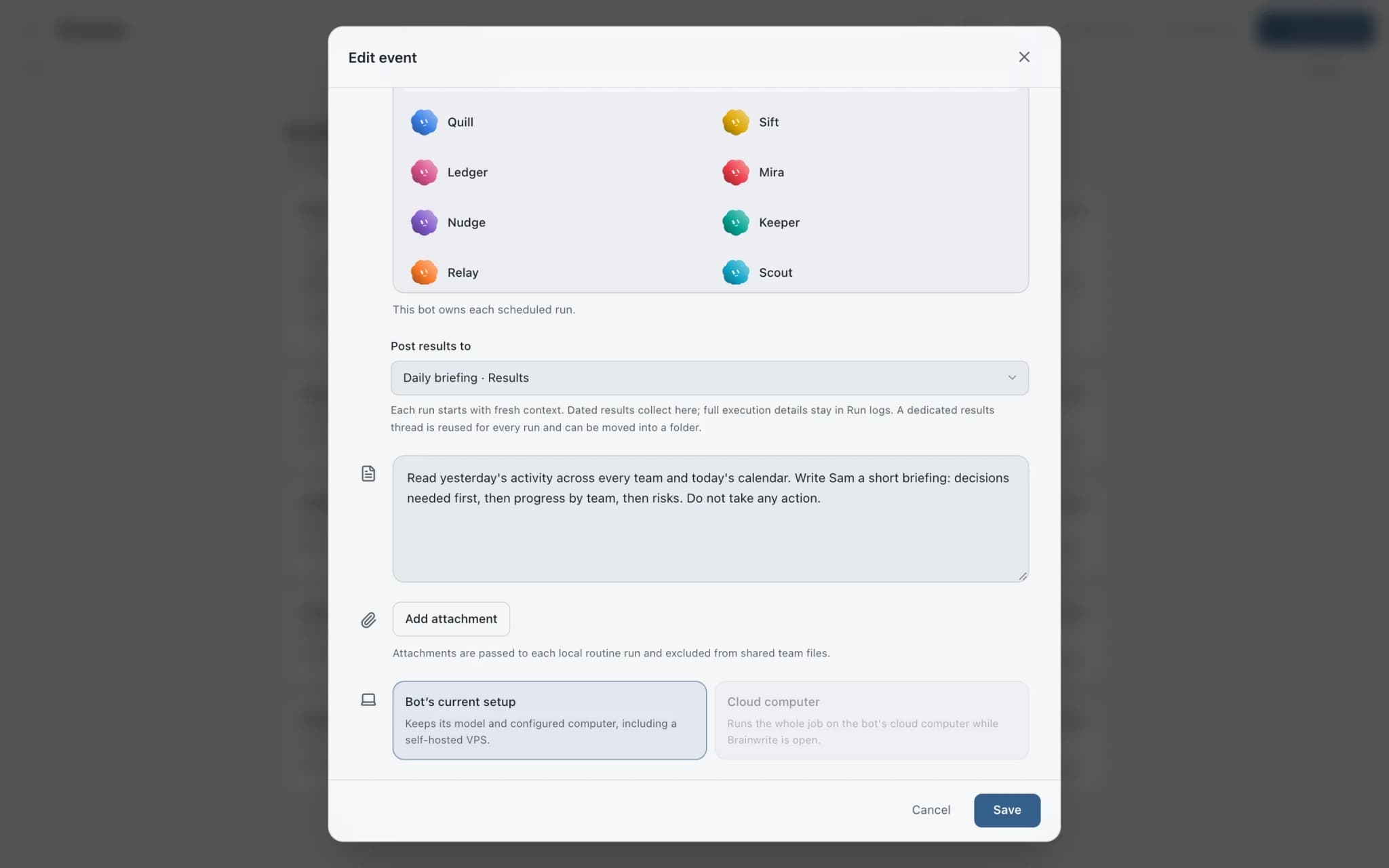
A real screenshot from a demo workspace.
The team
Who's on it.
Your Chief of Staff picks the specialists the job needs. Each has its own role, instructions, model, and app access.
 AtlasIllustrated example
Rigel, QA and Release Engineer
Runs the nightly sweep, turns acceptance criteria into a risk-based test plan, and reports what passed, what is uncertain, and the rollback options.
 SageIllustrated example
Ada, Tech Lead
Owns scope and tradeoffs, inspects the existing system before proposing changes, and coordinates the release decision.
 DashIllustrated example
Lin and Pixel, Backend and Frontend Engineers
Own the service and interface boundaries, compatibility, and the focused tests that show a change works.
How it runs
A run, step by step.
- 01
Install and connect
Add the team from the team library and connect GitHub. The nightly routine arrives paused.
- 02
Point it at a repository
Tell Rigel which repository to watch. It asks for one if none is configured.
- 03
Nightly sweep
Weeknights at 21:00, Rigel records the check status, review status, size, and age of each pull request opened or updated since the last sweep.
- 04
Decide in the morning
Read the flagged list: ready to merge, stalled without a clear reason, failing or missing checks. You merge.
Start faster
Ready-made teams for this job.
Add a team from the library in one click. You see a preview first; routines arrive paused and connected apps stay off until you approve them.
What you'll connect
Apps this job uses.

GitHub
Triage GitHub issues, review pull requests, read failing workflow logs, and draft release notes. Merges wait for you.

Slack
Bots search Slack, summarise channels and threads, and post or schedule updates once you approve.

Linear
File clean Linear issues from bug reports, catch duplicates, review the current cycle, and draft project updates.

Sentry
Triage new Sentry errors, read events and tags, check release health, and resolve or assign issues.
FAQ
Questions about Release readiness
Can the AI merge pull requests?
The sweep routine is written to report only: it does not merge, approve, or comment on anything. Outside that routine, a bot with GitHub tools can request actions, and in Ask mode each one becomes an approval card you accept or deny. Denying hands control back to the bot so it can choose a safer path.
Does it run my tests?
The nightly sweep reads check status from GitHub; it does not run your test suite. For hands-on verification, give a bot a computer, such as an isolated Local VM through Docker or Podman, or your own Linux VPS over SSH. Rigel can then reproduce defects and verify fixes there.
Do I need the whole team?
No. The team has four roles, but the readiness sweep is Rigel's routine alone. You can install the team, turn on only that routine, and use the other bots when you plan or review a change. Each bot can run its own model, so you can match model cost to the job.
Built on
Features this job relies on.
Routines
Run a bot's task once, on an interval, or on chosen weekdays, with a receipt for every run.
Approvals
Risky actions become cards you approve or deny in the conversation. Ask or Full Access per thread.
Local VM
A containerized Linux desktop per bot on your Mac, via Docker or Podman. Your real desktop stays clean.
Inspector
Follow tool calls and raw engine output, then export the run with secrets removed.










Give your first job to Brainwrite.
Download the app, connect the AI you already pay for, and tell your Chief of Staff what needs doing.
macOS today. Windows and Linux are coming soon.