Industry · Software agencies
Scope, build, and report on client projects without dropping the status update
Software agencies can use AI agents to turn client requests into scoped plans, review changes before release, triage incoming issues, and draft weekly status updates. In Brainwrite, an engineering team of bots works in a computer you choose for each bot, such as a local VM or your own VPS. Your developers keep the merge and release decisions.
Software agencies · example team
 NovaChief of Staff
 AtlasRigel, QA and Release Engineer
 SageAda, Tech Lead
 DashLin and Pixel, Backend and Frontend Engineers
- NovaChief of Staff
Brief your Chief of Staff. It picks the specialists and runs the team.


3 fixes ready for review, 1 needs a decision. Nothing merged without you.


 Dev team3 bots
Where the week goes
The work that eats your time.
Vague client requests
A two-line email has to become a scoped estimate, which means reading code you have not touched in months.
Status updates for every client
Each client wants to know what shipped and what is blocked. Someone rebuilds that from commits and tickets every week.
Release risk across many codebases
Each project has its own stack and deploy process, and the checklist lives in one developer's head.
Proposals that go quiet
Estimates go out, the prospect stops replying, and nobody follows up because delivery work comes first.
Start here
The first job to hand off.
Turn a client request into a scoped plan
Paste the request and point the Tech Lead bot at the repository. It inspects the existing system and returns an implementation plan with owners, sequence, and risks for you to price and send.


Turn on the nightly release readiness sweep for our web app repository. In the morning, tell me which pull requests can go in Thursday's release and which are blocking it.
Your Chief of Staff put a team on it
- Atlas· Rigel, QA and Release Engineer
- Sage· Ada, Tech Lead
- Dash· Lin and Pixel, Backend and Frontend Engineers
- 11 pull requests opened or updated since last night's sweep
- Looks ready: 4 (checks green, approved, under 300 lines)
- Stalled: #482 open 9 days with no reviewer assigned
- Failing checks: #491 integration tests, #493 lint
DoneEvery merge and approval waits for you. Nothing was sent.
What the team takes on
Jobs your AI team does every week.

Release readiness
Backend, frontend, and QA bots review a change against interface, security, and compatibility boundaries and finish with an evidence-based release and rollback decision.

Issue triage per client
Group new issues from GitHub, GitLab, or Jira, flag duplicates, and propose severity and owners for a developer to confirm.

Weekly client status
Draft a plain-English summary of merged work, open blockers, and next steps from each project's tracker and repository.
Proposal follow-ups
Find estimates where the client went quiet and draft a specific follow-up grounded in the original thread. Nothing sends automatically.
Client call prep
Before each call, a bot pulls the open tickets, recent changes, and last email thread into a one-page brief.
Why a team
Why this works better than a chatbot.
Run work where it belongs
Each bot gets its own computer: a local VM, a hosted cloud computer, or a Linux VPS over SSH. Using your Mac directly is a separate opt-in with its own approval boundary.
Secrets stay out of prompts
Keys live in the macOS secure store. The bot names a secret, and Brainwrite inserts the value only when sending to one https site, then scrubs it from responses.
Model choice per client
Pick a model per bot and per thread, including local models through OpenCode, Ollama, or LM Studio for clients who do not want code sent to a cloud provider.
A record of every tool call
The Inspector shows what each bot ran, and Export saves a conversation with secrets removed when you need to show a client what happened.
In detail
See the jobs step by step.






See it in the app
What it looks like in Brainwrite.
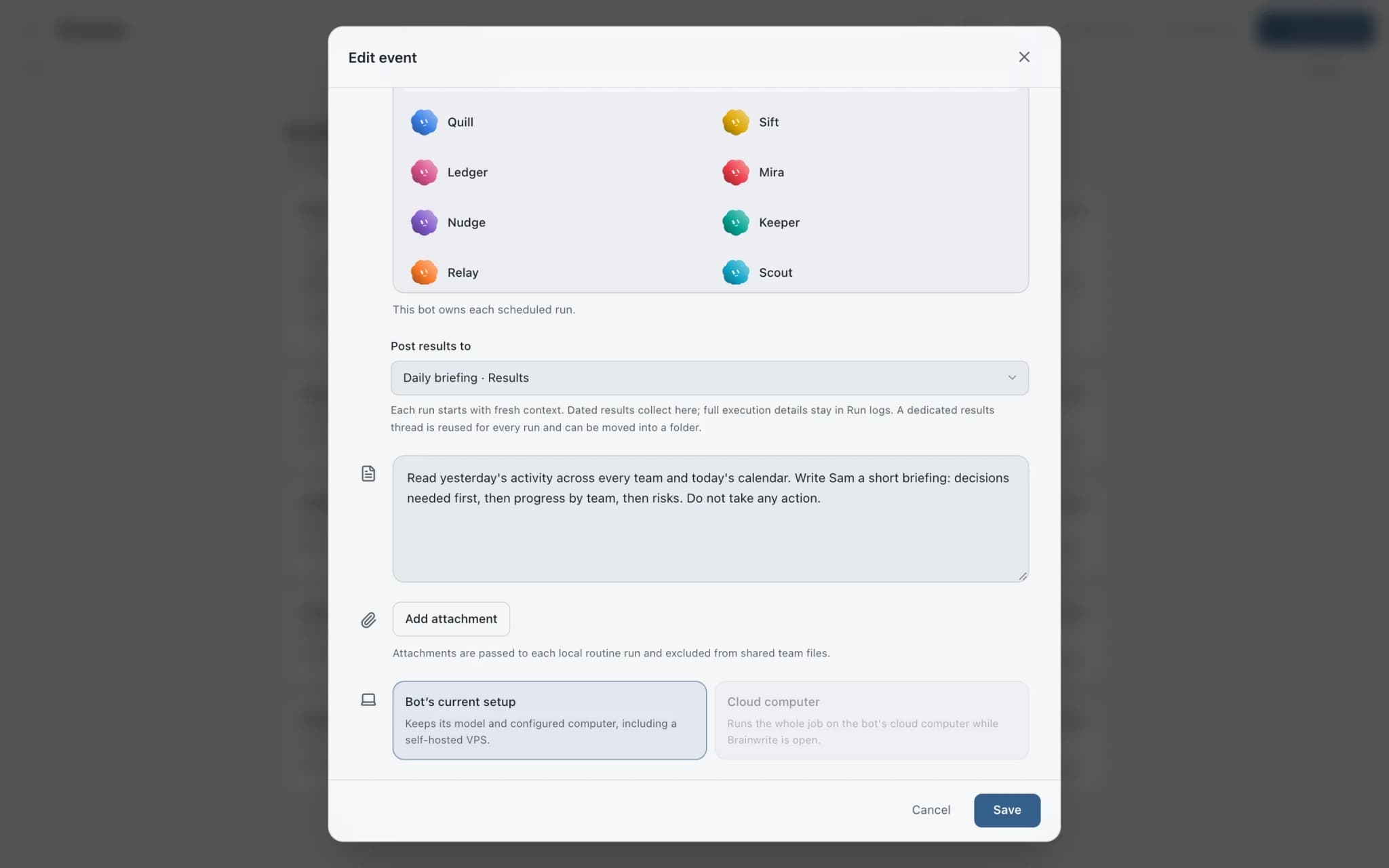
A real screenshot from a demo workspace.
Start faster
Ready-made teams to start from.
Your tools
Apps your team works in.

GitHub
Triage GitHub issues, review pull requests, read failing workflow logs, and draft release notes. Merges wait for you.

GitLab
Review GitLab merge requests, triage issues, read failing pipeline jobs, and keep merges behind your approval.

Jira
Search Jira with JQL, file and transition issues, fill sprints, and get a plain summary of what blocks a release.

Linear
File clean Linear issues from bug reports, catch duplicates, review the current cycle, and draft project updates.

Slack
Bots search Slack, summarise channels and threads, and post or schedule updates once you approve.
FAQ
Questions about Brainwrite for software agencies
How can a software agency use AI agents?
Use them on the work around delivery: scoping requests against existing code, triaging issues, checking releases, and writing client status updates. Brainwrite's engineering team of bots plans, reviews, and verifies changes using the coding agents you already have, such as Claude or Codex. Developers approve risky actions and make the merge and release calls.
Can bots work on a client's own server?
Yes. A bot's computer can be your own Linux VPS reached over SSH, so the work runs on infrastructure you or the client control. Other options are a local VM through Docker or Podman, a hosted cloud computer, or none. Choose per bot, so each client project can use a different machine.
Is client source code sent anywhere?
Chats, files, and agent state stay on your machine or the computer you assign. Code a bot reads is sent to the model provider you chose for that bot. For a client who forbids that, use a local model through OpenCode, Ollama, or LM Studio, and check the result against the contract.
Can I connect several GitHub or Slack accounts?
Yes. Each app supports up to five labelled accounts, such as one Slack workspace per client. Bots select an account explicitly when several could run a tool. Grants apply to tools, not accounts, so if one bot must never see a particular client's account, put that client in a separate installation.
Related
Related industries.

SaaS startups
Issue triage, release checks, SEO, and lead finding handled by specialist bots, so a small team can cover more ground.

Consultants
Meeting briefs, sourced research, competitor watch, and client updates prepared by bots, with your judgment on top.

Marketing agencies
Client reports, campaign drafts, and competitor briefs prepared by a team of bots and reviewed by you before they go out.

Give your first job to Brainwrite.
Download the app, connect the AI you already pay for, and tell your Chief of Staff what needs doing.
macOS today. Windows and Linux are coming soon.