Use case · Operations
Walk into every meeting knowing the history
To prepare for meetings with AI agents, ask your Brainwrite Chief of Staff to brief you on the day's calls. It reads your calendar, pulls recent email threads and CRM notes for each attendee, has a research bot check public sources, and writes a short brief per meeting: who is coming, what was said last time, and what is still open.


Every weekday at 7:30, look at my Google Calendar for meetings with people outside the company. For each, summarise our last email threads, the HubSpot deal stage, and anything I promised, and post the briefs to a thread called Meeting prep.
Your Chief of Staff put a team on it
 Nova· Chief of Staff
 Penny· Inbox and CRM specialist
 Atlas· Research bot
- 3 external meetings today; briefs below
- 11:00 Northwind (Alex Rivera, Ops Lead): deal in Proposal stage; you promised a security questionnaire by Friday
- 14:00 Lumen Dental: first call; their site lists 4 clinics and a new booking page launched this month
- 16:30 Harbor & Pine: last thread ended with their question on onboarding time, still unanswered
DoneSaved as a routine: Weekdays at 7:30. It starts paused until you turn it on.
 NovaChief of StaffShowing prep done
Meeting prep: done. Nothing sent.
- 13 external meetings today; briefs below
- 211:00 Northwind (Alex Rivera, Ops Lead): deal in Proposal stage; you promised a security questionnaire by Friday
- 314:00 Lumen Dental: first call; their site lists 4 clinics and a new booking page launched this month

 3 bots on this job
The job
Doing it yourself, and handing it off.
Doing it yourself
Five minutes before a call, you search your inbox for the person's name, skim the last thread, open the CRM to see where the deal stands, and look up their company. With back-to-back meetings, those five minutes do not exist, so you go in cold and spend the opening catching up on what you already knew. Promises made in the last call are the first thing forgotten.
What the team does
- List today's meetings with outside attendees
- Summarise recent email threads and open commitments
- Pull deal stage and notes from the CRM
- Check public sources about each attendee's company
What waits for you
- What to raise in the meeting
- Any follow-up email, invite, or CRM update afterwards
See it in the app
What it looks like in Brainwrite.
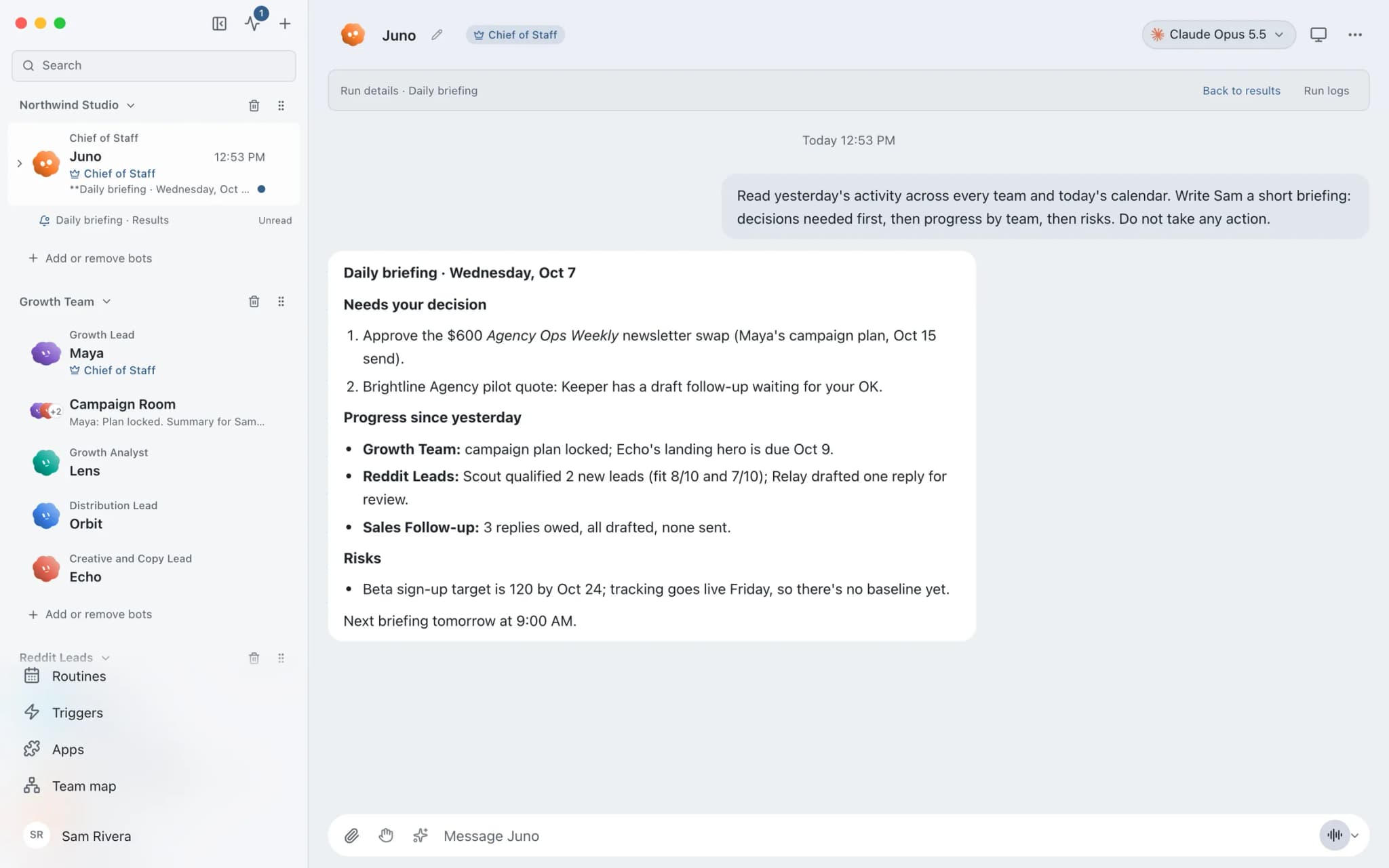
A real screenshot from a demo workspace.
The team
Who's on it.
Your Chief of Staff picks the specialists the job needs. Each has its own role, instructions, model, and app access.
- NovaIllustrated example
Chief of Staff
Reads the calendar, decides what each meeting needs, delegates the lookups, and writes the briefs.
 PennyIllustrated example
Inbox and CRM specialist
Finds the last threads with each attendee and their CRM record, and lists open commitments on both sides.
 AtlasIllustrated example
Research bot
Checks public sources about the attendee's company in its built-in browser and returns a short summary with links.
How it runs
A run, step by step.
- 01
Connect the sources
Connect Google Calendar, Gmail, and your CRM. Grant read tools only if preparation is all you want.
- 02
Ask or schedule
Ask the Chief for today's briefs, or set a weekday routine that posts them to a dedicated thread each morning.
- 03
Delegate the lookups
The Chief hands bounded tasks to specialists, and each returns its result to the same conversation.
- 04
Read and follow up
Read each brief. Any follow-up email or calendar change it suggests waits for your approval.
What you'll connect
Apps this job uses.

Google Calendar
Bots read your Google Calendar, find free slots, and create or move events. Invites wait for your approval.

Gmail
Bots search, label, and read Gmail threads and draft replies in place. Sending waits for your approval.

HubSpot
Bots search HubSpot contacts and deals, log notes and tasks, and keep records tidy.
FAQ
Questions about Meeting prep
Where does the attendee research come from?
From the apps you connect and from public sources. The Chief reads your calendar, past email, and CRM through the tools you grant, and a research bot can read public web pages in its built-in browser, which you can watch and take over. It works only with the apps and tools you grant it.
Can it prepare for a meeting booked an hour ago?
Yes. Ask the Chief in a thread at any time and it briefs that meeting directly. A morning routine covers what is on the calendar when it runs, so anything booked later needs a direct request or a second routine later in the day.
Is my calendar data sent anywhere?
Brainwrite keeps chats, memory, and files on your Mac. Calendar access goes through Composio connected apps with OAuth, and tokens never appear in prompts. Event details the bot reads are sent to the AI provider you chose for that bot, which bills you directly for the usage.
Built on
Features this job relies on.
Chief of Staff
One bot takes your request, hands focused tasks to specialists, and returns a single summary.
Built-in browser
A browser tab bots use for web work, which you can watch and take over for sign-ins and MFA.
Routines
Run a bot's task once, on an interval, or on chosen weekdays, with a receipt for every run.
Memory
Plain-text memory per bot that you can read, fix and delete. No hidden profile.








Give your first job to Brainwrite.
Download the app, connect the AI you already pay for, and tell your Chief of Staff what needs doing.
macOS today. Windows and Linux are coming soon.