Use case · Sales
Keep your CRM accurate without a quarterly cleanup day
To keep a CRM clean with AI agents, give a Brainwrite bot read access to HubSpot, Salesforce, Pipedrive, or Attio and a weekly routine. It finds likely duplicate contacts, records missing required fields, and deals with no recent activity or no next step, then proposes a fix for each. You approve changes before anything is written back.


Every Monday at 8:00, check our HubSpot deals for anything with no activity in 30 days, contacts that look like duplicates, and deals missing a close date or next step. List proposed fixes by owner. Do not change any records.
Your Chief of Staff put a team on it
 Atlas· CRM auditor
 Sage· Inbox checker
 Nova· Chief of Staff
- 14 deals with no activity in 30 days; 5 have no next step
- Likely duplicates: 6 contact pairs (same email domain and similar names)
- Missing close date: 9 open deals, grouped by owner
- Proposed: move the Fieldstone deal to Closed lost; the last email says they chose another vendor
DoneSaved as a routine: Mondays at 8:00. It starts paused until you turn it on.

 DashOperations3 apps connectedAtlasResearchRead-only access
CRM hygiene: done. Nothing sent.
- 114 deals with no activity in 30 days; 5 have no next step
- 2Likely duplicates: 6 contact pairs (same email domain and similar names)
- 3Missing close date: 9 open deals, grouped by owner
 3 bots on this job
The job
Doing it yourself, and handing it off.
Doing it yourself
CRM data decays quietly. A contact gets created twice with different spellings. A deal sits in the proposal stage for two months after the buyer went silent. Half the records lack an industry or a next step, so every pipeline report needs a footnote. The usual fix is a cleanup sprint once a quarter: export, sort, merge, chase reps for updates. By the next quarter, it has drifted again.
What the team does
- Find likely duplicate contacts and companies, with the evidence for each match
- List deals with no activity in your window or no next step
- Find records missing the fields you marked as required
- Propose a specific fix for each finding, grouped by owner
What waits for you
- Every merge, update, and deletion in the CRM
- The rules for stale and required
- Which follow-ups each rep should make
See it in the app
What it looks like in Brainwrite.
A real screenshot from a demo workspace.
The team
Who's on it.
Your Chief of Staff picks the specialists the job needs. Each has its own role, instructions, model, and app access.
 AtlasIllustrated example
CRM auditor
Reads the records in scope, finds duplicates, gaps, and stale deals, and explains each finding.
 SageIllustrated example
Inbox checker
Reads the email thread behind a stale deal so the proposed update reflects what actually happened.
- NovaIllustrated example
Chief of Staff
Turns the week's findings into a short list grouped by owner.
How it runs
A run, step by step.
- 01
Connect the CRM
Connect HubSpot, Salesforce, Pipedrive, or Attio. Start the auditor on an exact list of read-only tools.
- 02
Define clean
Tell the bot which fields are required, what counts as stale, and how to match duplicates. It saves the rules in memory.
- 03
Weekly routine
Each Monday, the routine audits the records in scope and posts its findings to one results thread.
- 04
Approve fixes
Grant update tools when you are ready. In Ask mode, each merge or field change appears as an approval card.
What you'll connect
Apps this job uses.

HubSpot
Bots search HubSpot contacts and deals, log notes and tasks, and keep records tidy.

Salesforce
Bots query Salesforce, review pipeline, log activity, and update records once you approve.

Pipedrive
Bots search Pipedrive deals and people, add activities and notes, update stages, and merge duplicates.

Attio
Bots query and update Attio records and lists, add notes and tasks, and read meetings.
FAQ
Questions about CRM hygiene
Can the AI merge duplicate contacts?
It proposes merges with the evidence for each match. Whether it can carry them out depends on the tools you grant. In Ask mode, each merge appears as an approval card, and you can keep the bot on an exact list of read-only tools until you trust its findings.
Which CRMs can it work with?
CRMs available as connected apps, including HubSpot, Salesforce, Pipedrive, Attio, Zoho CRM, and Close. You connect each one with OAuth in your browser, and you can add several labelled accounts for the same app, for example a separate CRM for each business you run.
Will the bot change records while I am not watching?
Only if you allow it. Each thread runs in Ask or Full Access, and per-bot app grants can leave out every write tool. A routine run that needs your approval waits: its receipt shows it as waiting until you answer the card from the run.
Built on
Features this job relies on.
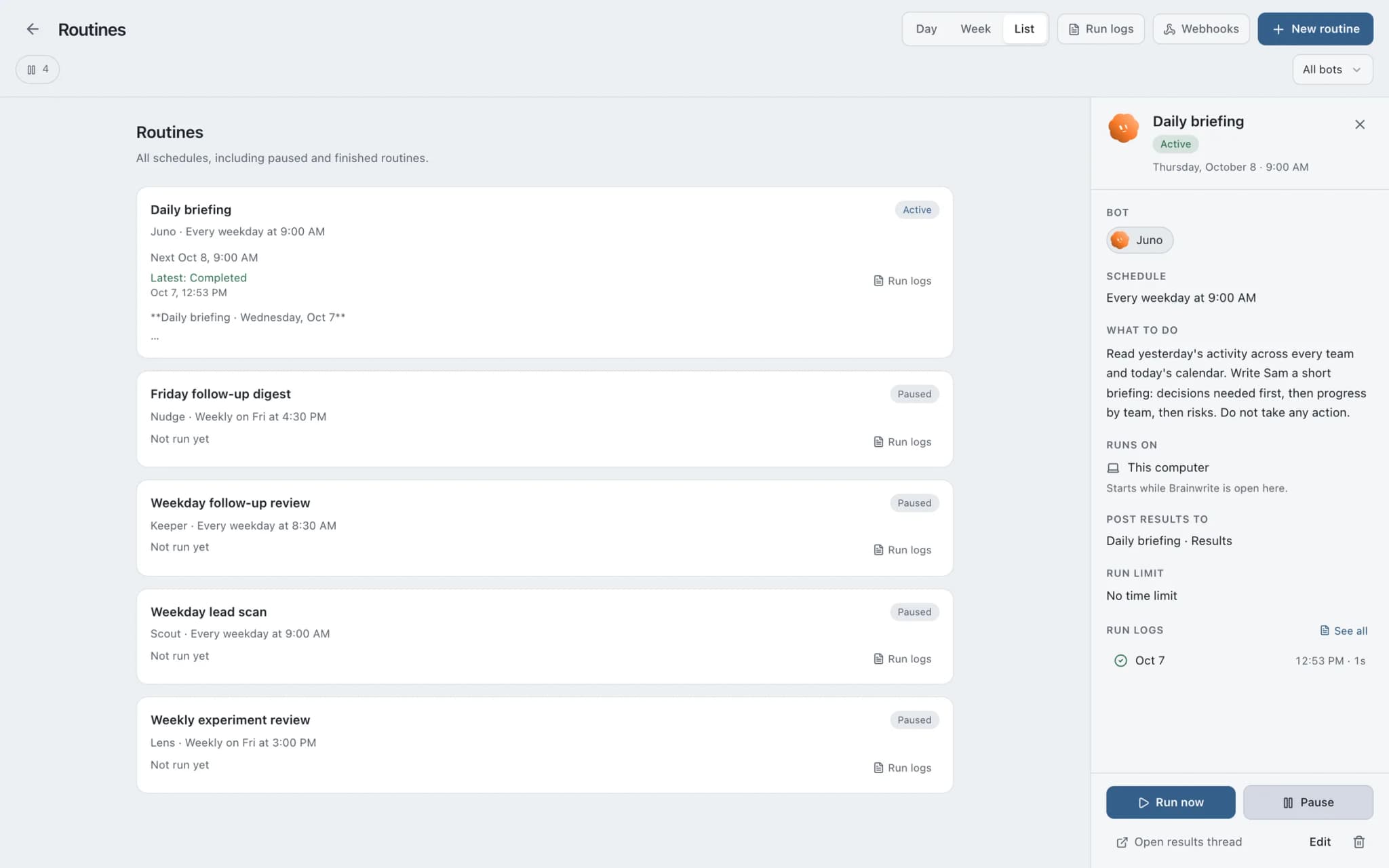
Routines
Run a bot's task once, on an interval, or on chosen weekdays, with a receipt for every run.
Approvals
Risky actions become cards you approve or deny in the conversation. Ask or Full Access per thread.
Connected apps
Gmail, GitHub, Slack, Notion and hundreds more via OAuth, with per-bot tool grants.
Memory
Plain-text memory per bot that you can read, fix and delete. No hidden profile.









Give your first job to Brainwrite.
Download the app, connect the AI you already pay for, and tell your Chief of Staff what needs doing.
macOS today. Windows and Linux are coming soon.